AI-Powered Creative Studio
Sketch it. Style it.
Animate it.
Draw on canvas, transform into anime, manga, or comic art with AI, generate 3D characters, and create animated videos — all in one desktop app.
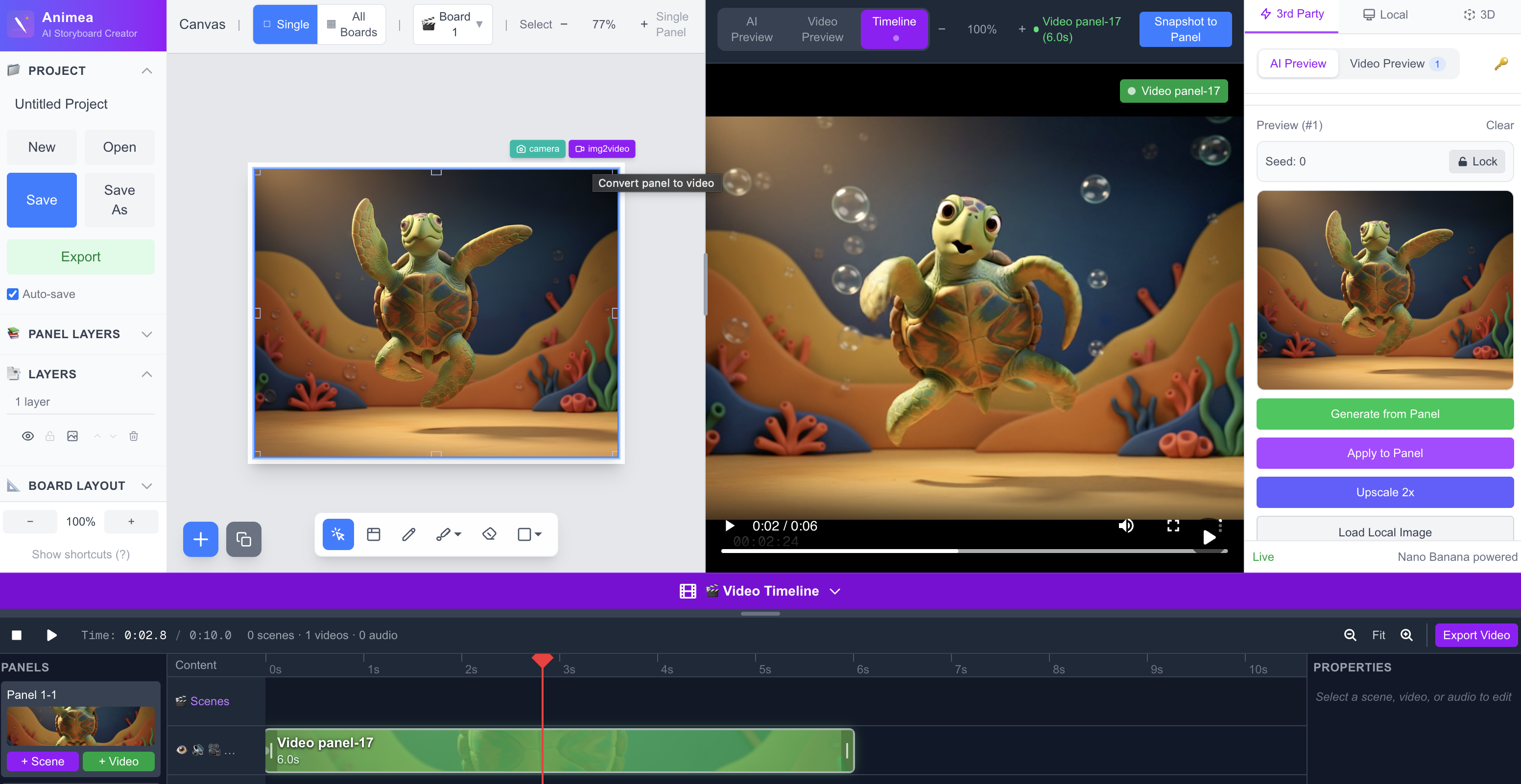
Draw on canvas, transform into anime, manga, or comic art with AI, generate 3D characters, and create animated videos — all in one desktop app.
Powered by leading AI services
A complete creative pipeline — from first sketch to final animation — in a single application.
Intuitive drawing tools with layers, panels, and speech bubbles. Sketch your stories the way you imagine them.
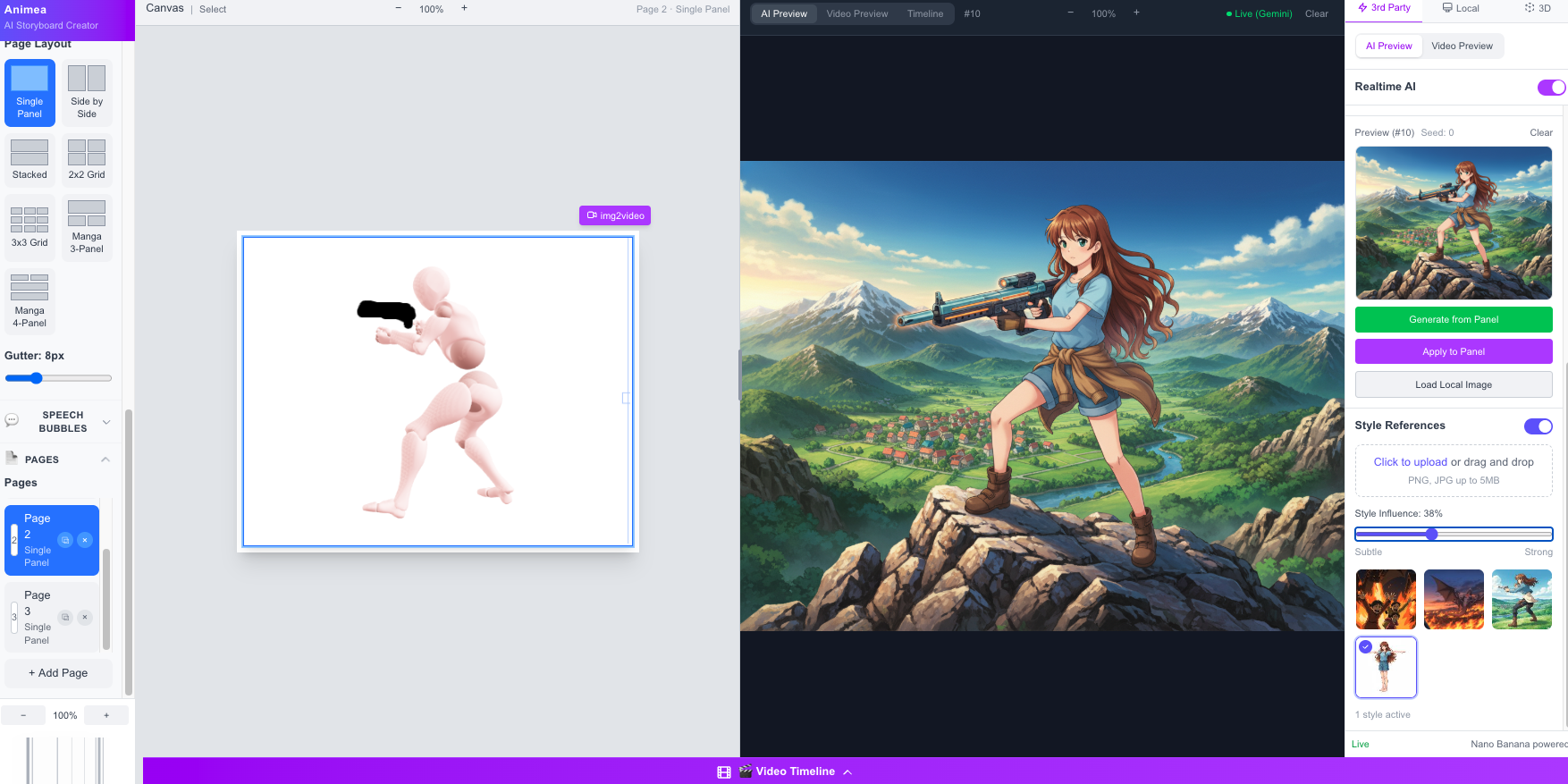
Anime, Manga, Ghibli, Comic, Clay, Realistic, Pixar — transform any sketch in seconds with real-time preview.
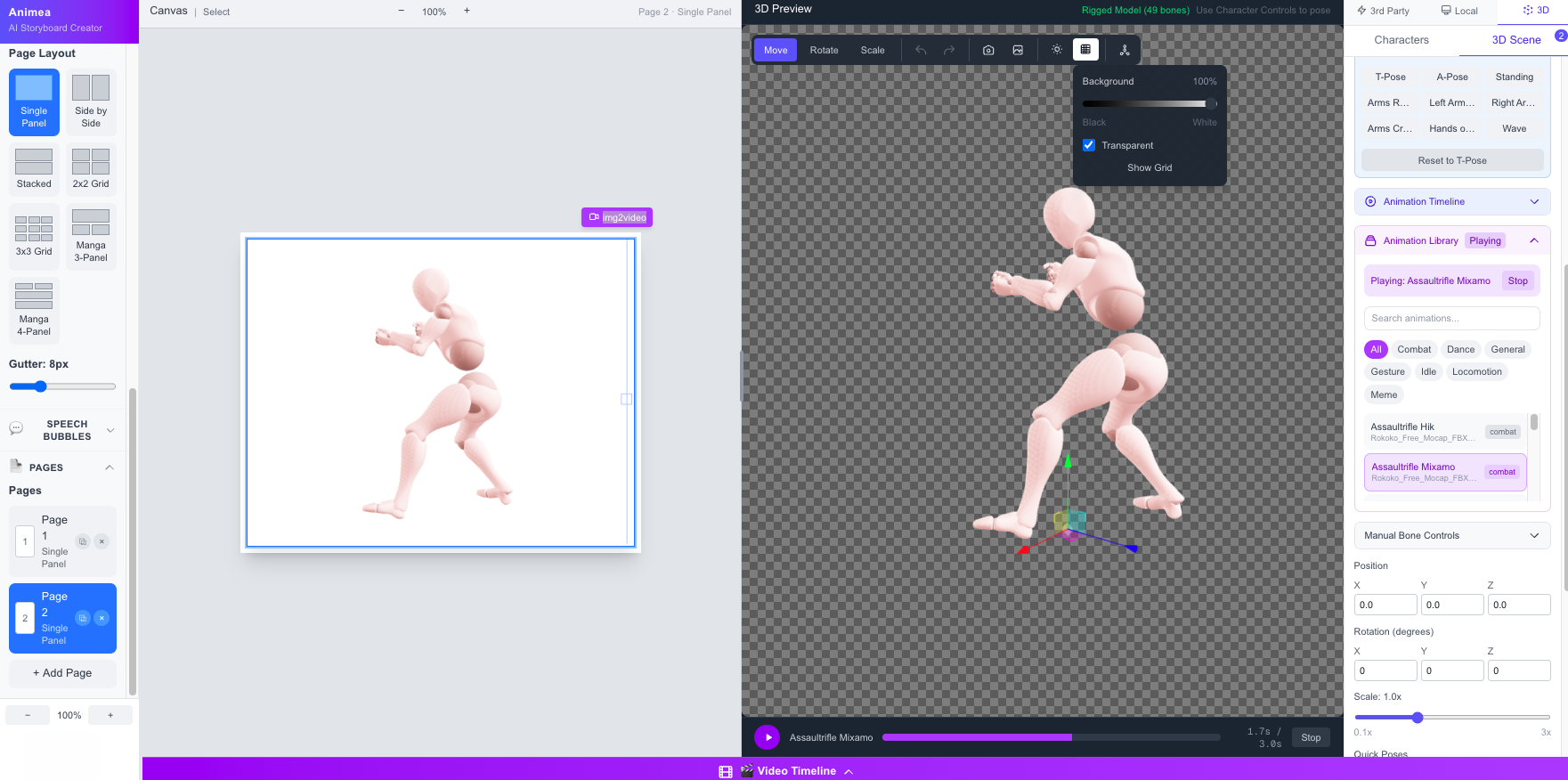
Generate rigged 3D character models from your 2D artwork. Multiple AI engines with 10-60 second generation.
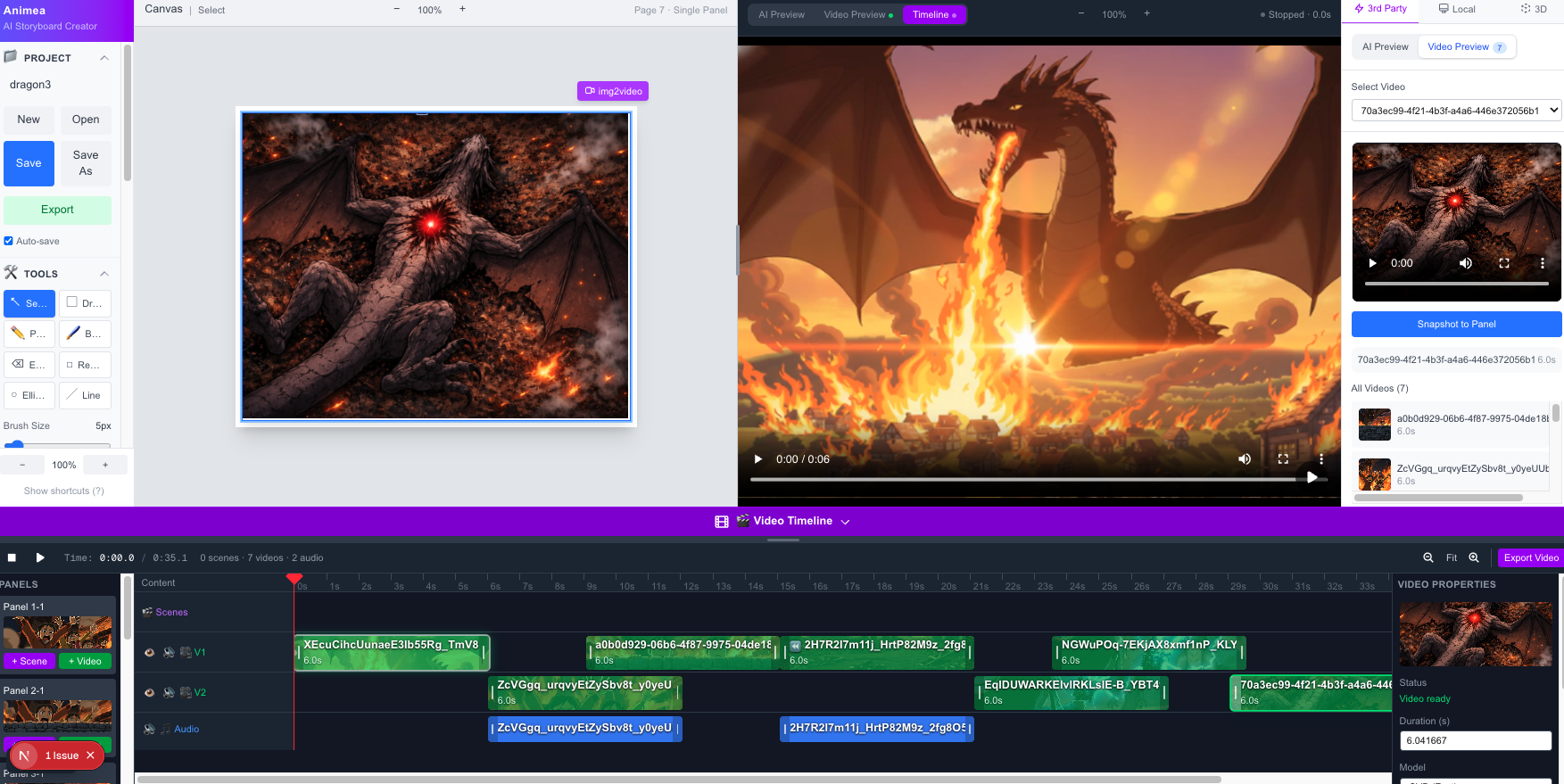
Turn your storyboard panels into animated video clips. Full timeline editor with multi-service support.
Professional comic panel templates and custom layouts. Organize your story across pages and boards.
Multiple bubble styles for dialogue, thoughts, and captions. Drag, resize, and style text naturally.
Generate the same scene from aerial, close-up, low angle, Dutch angle, wide shot, and more.
Desktop app runs locally on Mac and Windows. Your projects stay on your machine. No cloud dependency for core tools.
An integrated pipeline that no other tool offers. Draw, style, model, and animate — without switching apps.
Draw your characters and scenes on the built-in canvas — or import existing artwork.
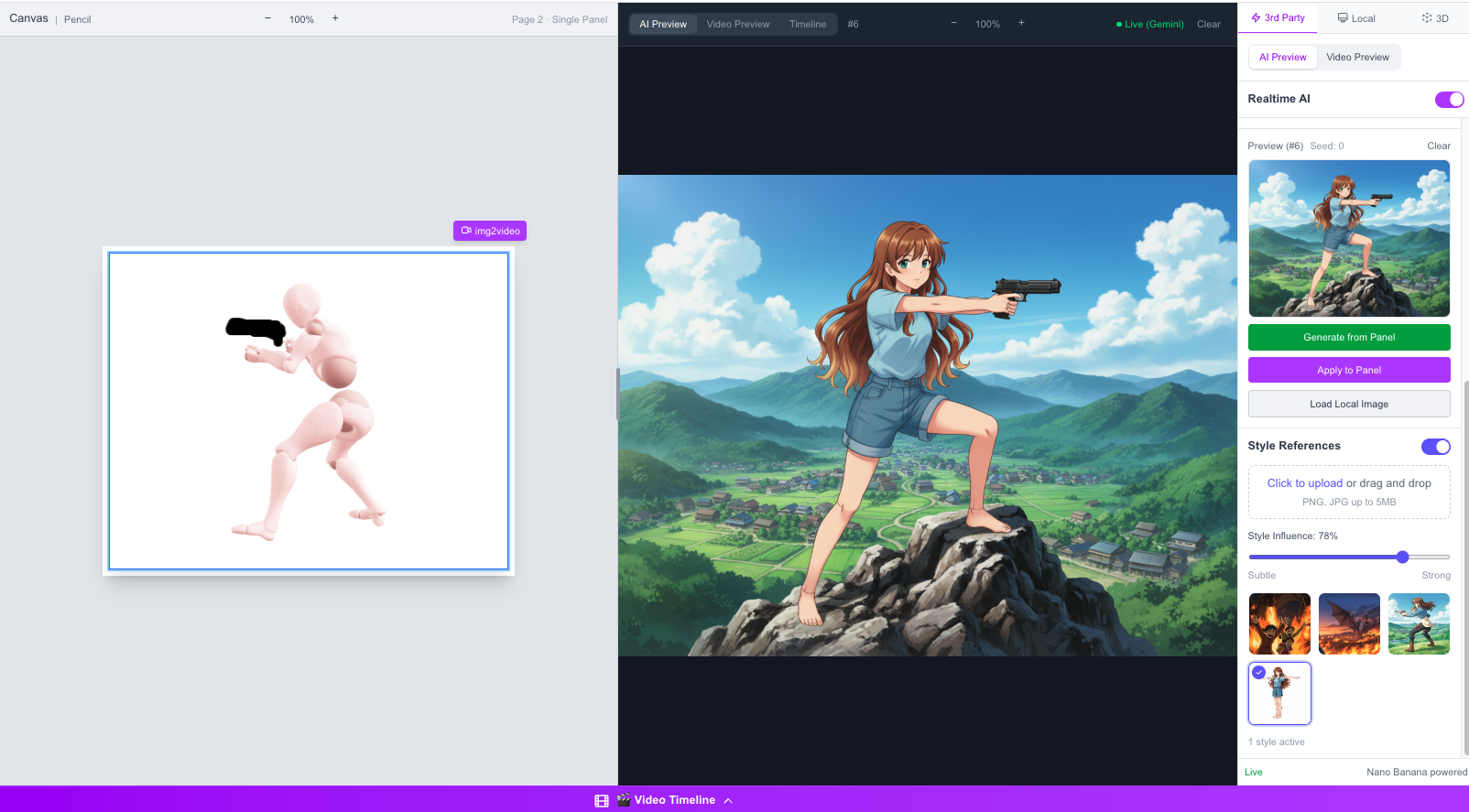
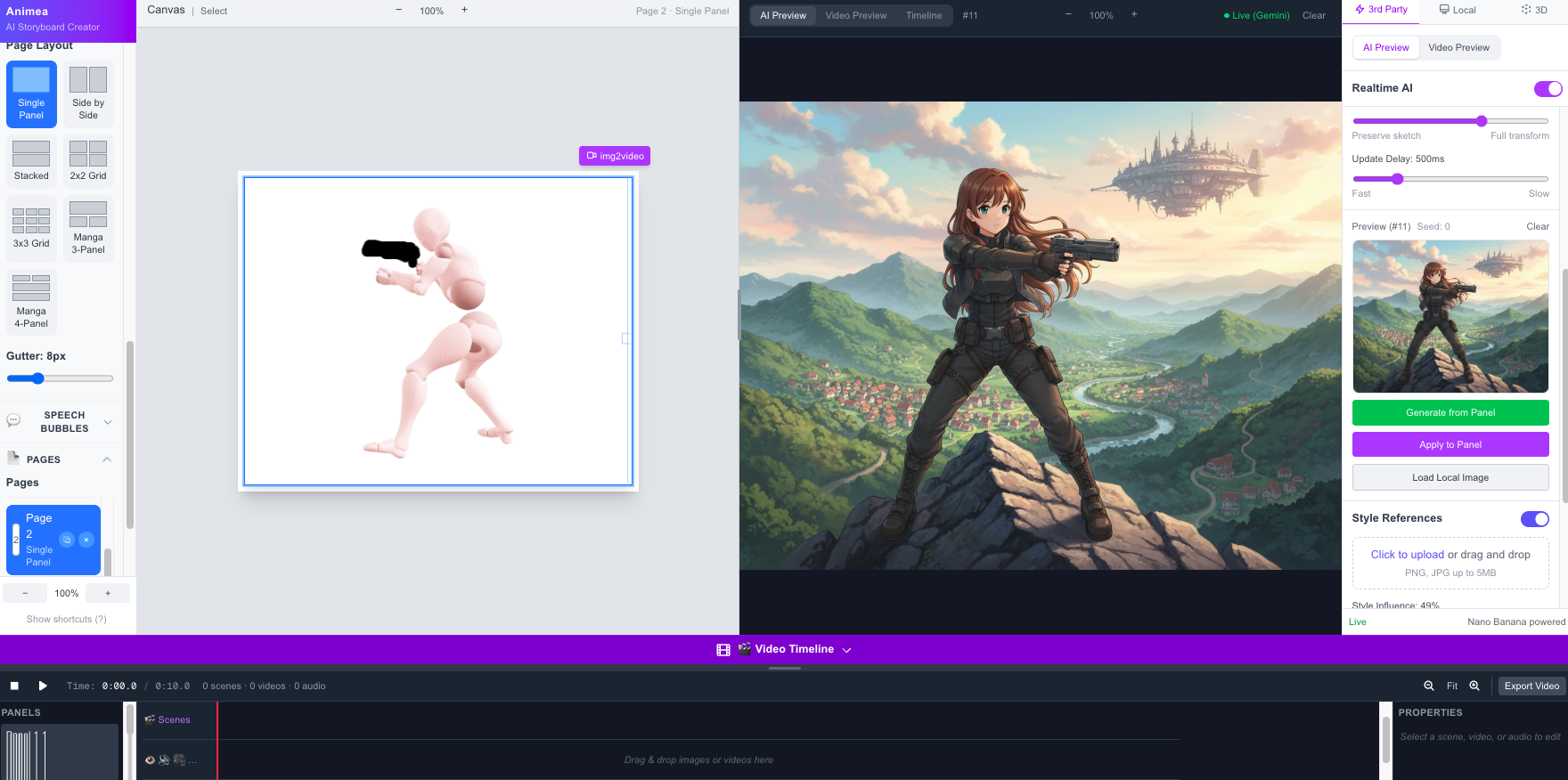
Choose an AI art style and watch your sketch transform in real-time. Adjust strength, seed, and prompts.
Generate 3D characters from your art. Compose scenes, add camera angles, and build storyboard sequences.
Turn storyboard panels into video clips with AI. Edit on the timeline and export your finished animation.
Draw once and see your artwork rendered across completely different aesthetics. Every style is tuned by specialized AI models.
Vibrant colors, clean lines, expressive eyes
Black & white, screen tones, authentic linework
Soft, painterly, warm and whimsical
Bold Western style, cel-shaded, dynamic
Tactile claymation, stop-motion feel
Photorealistic rendering, natural lighting
3D animation style, cinematic lighting
Custom style references & seed locking
No other comic tool does this. Generate fully textured, rigged 3D models directly from your 2D artwork — ready for animation and scene composition.
Generate your scene from multiple camera positions — aerial, close-up, low angle, Dutch angle, wide shot — instantly. Perfect for storyboarding.
Animea connects directly to AI providers using your own API keys. No middleman, no markup, no usage limits from us. Pay only for what you use, directly to the provider.

Real-time AI image generation

Veo video generation

Image & video generation

Image-to-video synthesis
More providers coming soon. Animea is built to be provider-agnostic.
One-time purchase — no subscription
Download Animea for Mac or Windows. Draw, transform, and animate — no subscription required. Bring your own API keys.
macOS 12+ (Intel & Apple Silicon) · Windows 10+